
How to Spot Trade on WEEX: From Pair Choice to a Confirmed Fill

 Prefer us on Google
To spot trade on WEEX, open the Spot section, select a pair such as BTC/USDT, confirm that the USDT you want to spend shows as available in your spot account, choose a market or limit order, submit it, and then check the order record to confirm what actually filled and what fee you paid. Each step has its own trap for beginners.
This guide covers how to spot trade on WEEX as an operating flow: picking the right pair when the same ticker also appears under Futures, why "balance" and "available" differ, what each order type does, and how to read the fill. The centrepiece is a worked example that spends 500 USDT on BTC and tracks the fee.
Fee figures below use the WEEX VIP 0 spot reference of 0.100% maker and 0.100% taker, as stated in WEEX's 2026 exchange guide and in effect since the October 1, 2024 spot fee update. Your rate can differ by VIP tier or promotion, so the WEEX fee schedule and your account are the final word. Menu labels can vary between web and app.
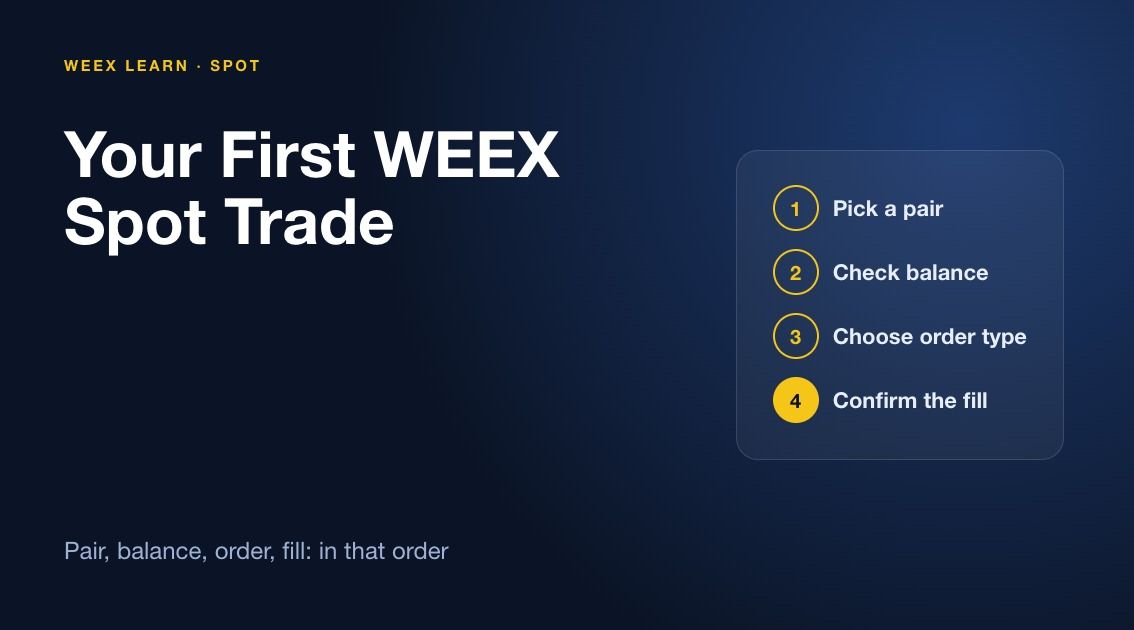
Before You Click Buy: Pick the Pair and Check Available Balance
Two mistakes happen before an order is typed. The first is the wrong product: WEEX lists BTC/USDT both as a spot market and as a USDT-M futures contract, and WEEX's own guide tells users to confirm they are on a spot page, not a futures page with a similar pair name. On the web, the spot market for Bitcoin lives at the BTC/USDT spot trading page. If you see leverage settings, margin mode, or "Open Long" buttons, you are on futures.
The second is assuming deposited funds are tradable. Spot orders draw on the account used for spot trading; if your USDT sits in a futures balance, make an internal transfer first. Then read the available figure in the order panel, not the total on the assets page. Available excludes funds locked in open orders. With 800 USDT and a forgotten 300 USDT bid, you can spend only 500.
A ten-second pre-flight check:
- The page title or pair header says spot, and the pair is the one you mean (BTC/USDT, not BTC/USDC).
- The available USDT in the buy panel covers your order plus a small buffer.
- The order book has depth near the current price.
WEEX Spot Order Types: Market, Limit and Time-in-Force Options
WEEX's spot guides and its spot API name two core order types: market and limit.
- Market order. Executes against resting orders right away. You choose how much to spend or sell, not the price, and you pay the spread plus any slippage across price levels.
- Limit order. You set the highest price you will pay or the lowest you will accept. It fills only at that price or better and stays open until filled or cancelled, which may be never.
WEEX's spot API also documents three time-in-force rules for limit orders: GTC (rests until cancelled), IOC (fill what you can now, cancel the rest), and FOK (fill everything now or nothing). WEEX's exchange guide also mentions Post Only, Trigger, and Take Profit/Stop Loss, but says availability differs between spot, futures, web, app, and order panel, so check your panel before relying on them for spot.
One fee point that trips people up: at VIP 0 the maker and taker rates are both 0.100%, so on the base tier a limit order does not save you fee. It saves you price. And a limit order priced through the market, say a buy above the best ask, matches immediately and is charged as a taker anyway.
Submitting a Spot Order on WEEX, Step by Step
- Log in and select Spot from the navigation (placement differs slightly between web and app).
- Select the pair, here BTC/USDT, and glance at the order book.
- Choose Buy or Sell in the order panel.
- Pick the order type: Market or Limit.
- For a limit order, enter the price and the amount. For a market buy, enter the USDT total you want to spend.
- Read the estimated cost before you confirm; a wrong estimate usually means a wrong pair or unit.
- Click the Buy BTC or Sell BTC button and confirm.
Start with a small amount. Minimum order size and price precision are set per pair, and the panel rejects amounts below the minimum.
-- Price
Worked Example: Buying BTC With 500 USDT
Assume an illustrative BTC price of 100,000 USDT (round number for clean maths, not a market quote) and a VIP 0 rate of 0.100%.
Option A, market buy for 500 USDT. If the whole order filled at 100,000, you would receive 0.005 BTC before fees. In practice a market order walks the book. Say it fills at an average of 100,040 USDT. Gross BTC is 500 / 100,040 = 0.0049980 BTC. The taker fee at 0.100% is 0.0000050 BTC, roughly 0.50 USDT. Net received: about 0.0049930 BTC. Slippage of 40 USDT per BTC cost about 0.20 USDT here, and it grows fast on thin pairs or large sizes.
Option B, limit buy at 99,500 USDT for 500 USDT of value. Amount: 500 / 99,500 = 0.0050251 BTC. If it fills, the fee at 0.100% is 0.0000050 BTC, so you net about 0.0050201 BTC, roughly 0.000027 BTC more than Option A. The catch: BTC may never drop to 99,500, and the 500 USDT stays locked until you cancel.
The number that matters most is the round trip. Buying costs 0.100%, and selling later costs another 0.100%. On this 500 USDT position you pay about 1 USDT in total fees, which means BTC has to rise roughly 0.2% from your entry, plus any spread, before you are back to even.
Check the fee currency on your WEEX fill record. Many venues deduct a buy fee from the asset received, so a 0.005 BTC fill lands slightly short of 0.005 BTC.
How to Confirm Your WEEX Spot Order Filled
Submitting is not the same as filling. WEEX's guide says to check Open Orders and Order History after submitting, and warns that an open order has not necessarily filled.
- Order still in Open Orders. It is resting on the book, fully or partly unfilled. Look at the executed quantity versus the total. A limit buy for 0.0050251 BTC showing 0.0020000 executed is a partial fill; the rest is still waiting.
- Order moved to Order History as filled. Open the record and read the average fill price, executed quantity, and fee. That average, not the last price on the chart, is your true entry.
- Order in history as cancelled or expired. Nothing more will fill. An IOC or FOK order that could not match ends here immediately.
- Your spot balance changed. BTC should rise by the net amount and USDT fall by what you spent.
If the fill differs from the chart, WEEX attributes it to the spread and execution across several price levels. Once you can run this loop on one pair, every spot market on WEEX works the same way; WEEX Learn has more beginner guides.
FAQ
1. What are the spot trading fees on WEEX?
WEEX's 2026 exchange guide gives a VIP 0 reference of 0.100% maker and 0.100% taker for spot, the rate set in the October 1, 2024 update. A 500 USDT trade costs about 0.50 USDT. VIP tiers and promotions can change this.
2. Why can't I use all of my USDT to buy on WEEX spot?
Either the USDT is not in the account used for spot trading, or part of it is locked in an open order. Transfer funds to spot if needed and cancel stale orders; the available figure in the order panel shows what you can actually spend.
3. Is a limit order cheaper than a market order on WEEX?
At VIP 0 the fee rate is the same 0.100% either way, so the saving comes from price, not fee. A limit order can buy below the market but may not fill at all.
4. How do I know if my WEEX spot order was partially filled?
Open Orders shows the executed quantity against the order total. If executed is above zero but below the total, the order is partially filled and the remainder is still live until it fills or you cancel it.
This content is provided for general informational purposes only and doesn't constitute financial, investment, legal, or tax advice. Any events, rewards, online promotions, or related information mentioned herein should not be considered a recommendation, solicitation, or invitation to purchase, sell, trade, or otherwise deal in any crypto assets. Crypto assets are highly volatile and may result in loss. The availability of WEEX services, products, and related events may vary by region. You are responsible for ensuring that your participation is in accordance with applicable local laws and regulations.
You may also like
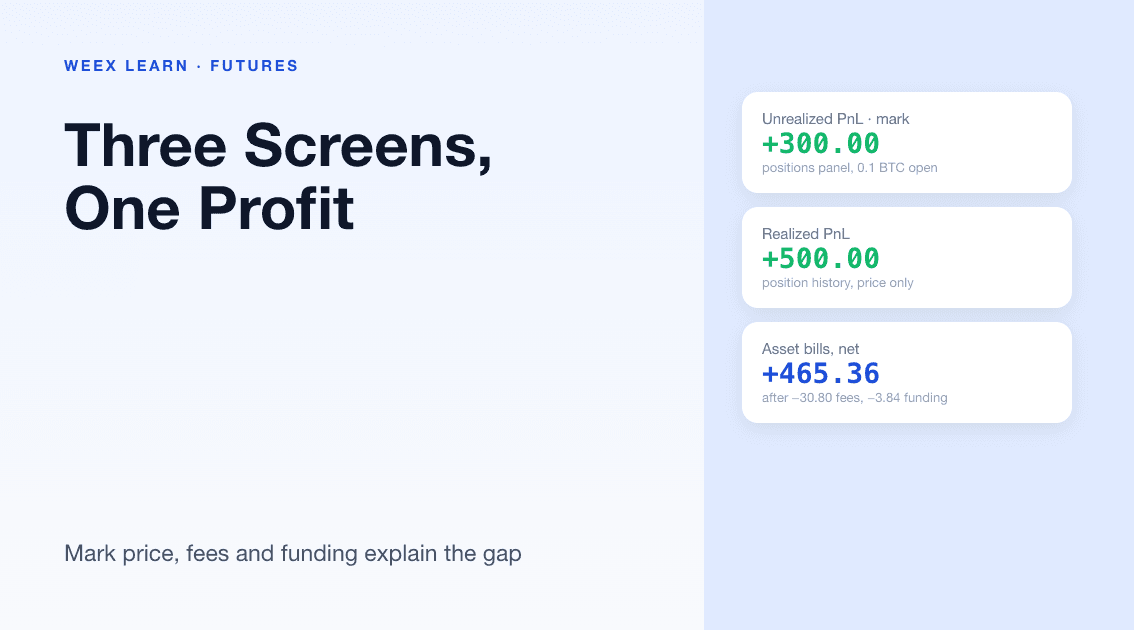
WEEX Futures PnL: Why Your Three PnL Numbers Rarely Match
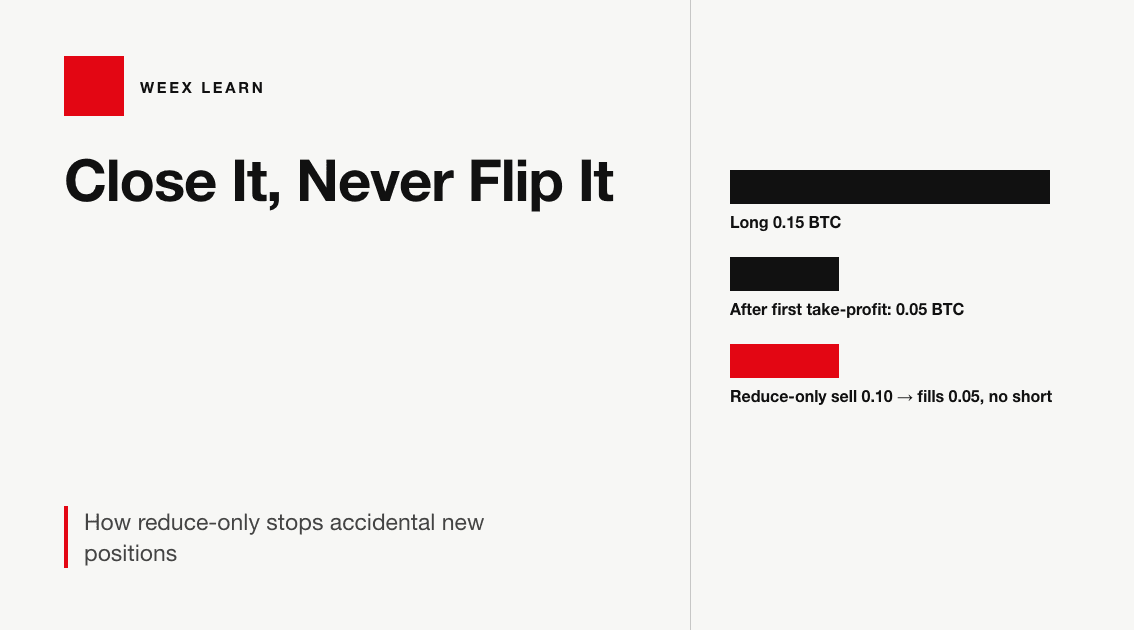
WEEX Reduce-Only Order: What It Does and When It Gets Cancelled
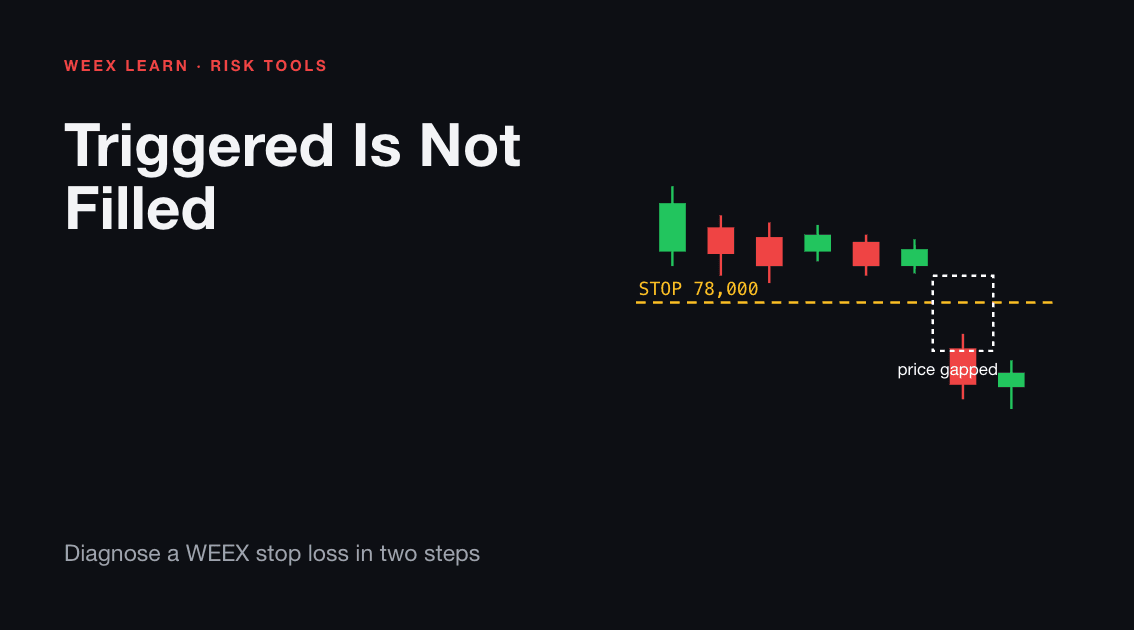
WEEX Stop Loss Not Triggered? Check the Trigger, Then the Fill
WEEX Funding Fee Explained: Rate, Countdown, Records and Math
WEEX Trading Pair Suspended or Delisted? Your Orders and Assets
WEEX Order History: How Orders, Fills and Fees Fit Together
WEEX Minimum Order Size Errors Explained With Rounding Examples
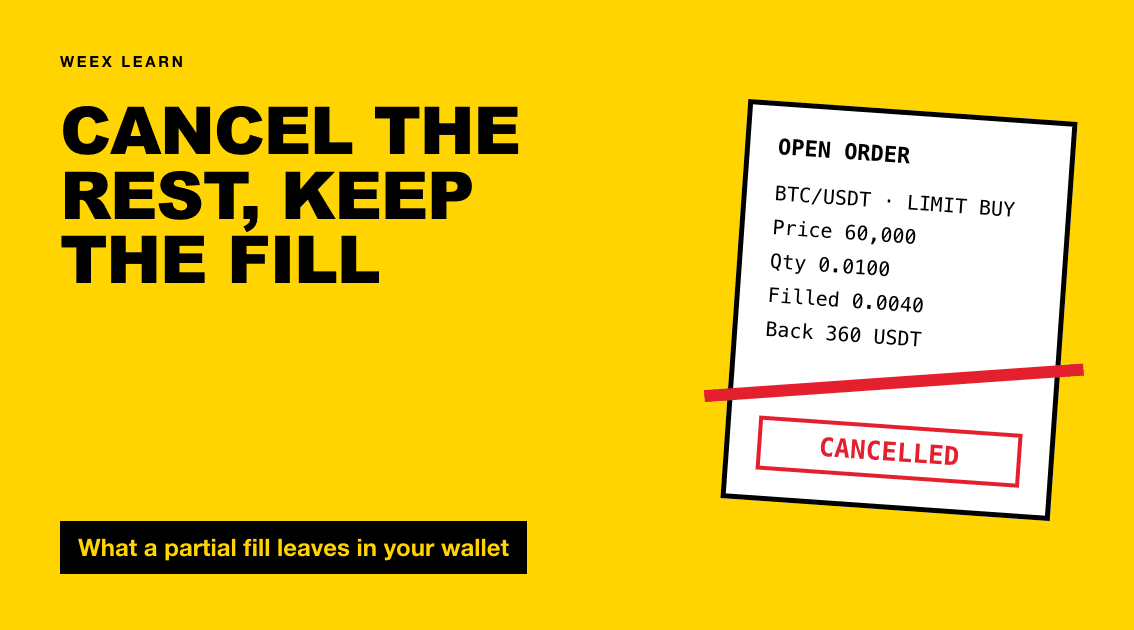
Cancel WEEX Spot Order: What Returns to Your Balance and When
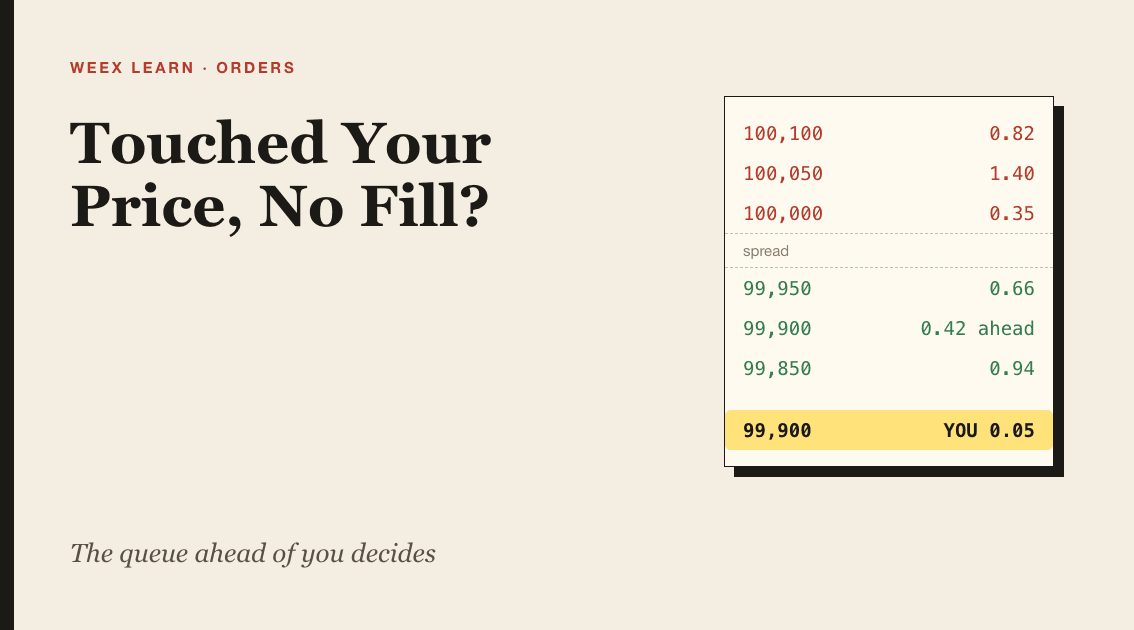
WEEX Limit Order Not Filled? Read the Book, Then Fix the Order
How to Convert ETH to USDT on WEEX: Step-by-Step Guide
How to Convert USDT to BTC on WEEX: Step-by-Step Guide
How to Convert BTC to USDT: A Step-by-Step WEEX Guide
BTC Funding Rate and Open Interest: What Each One Measures and How to Read Them Together
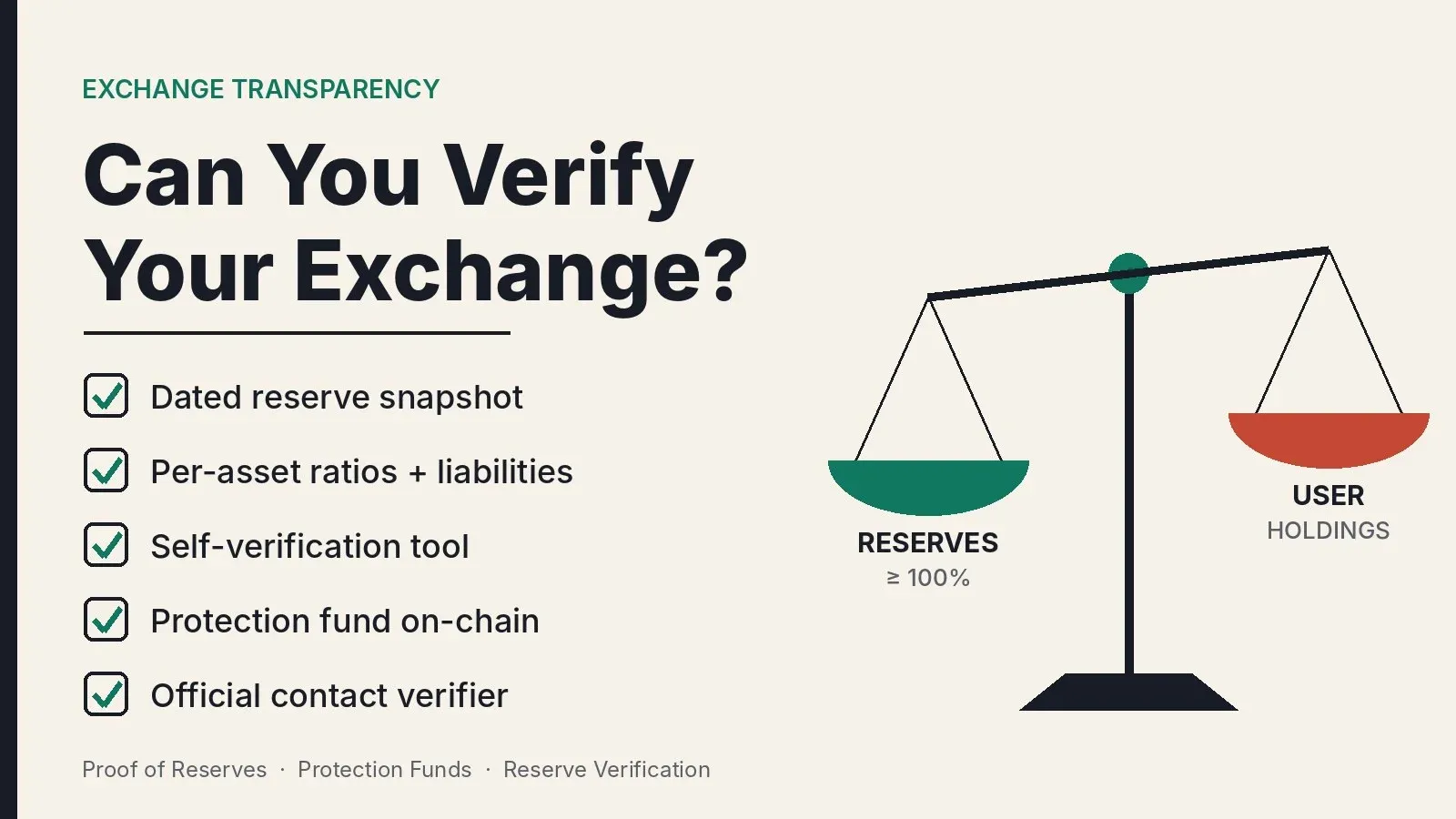
How Transparent Is a Crypto Exchange? Checking Proof of Reserves and Protection Funds
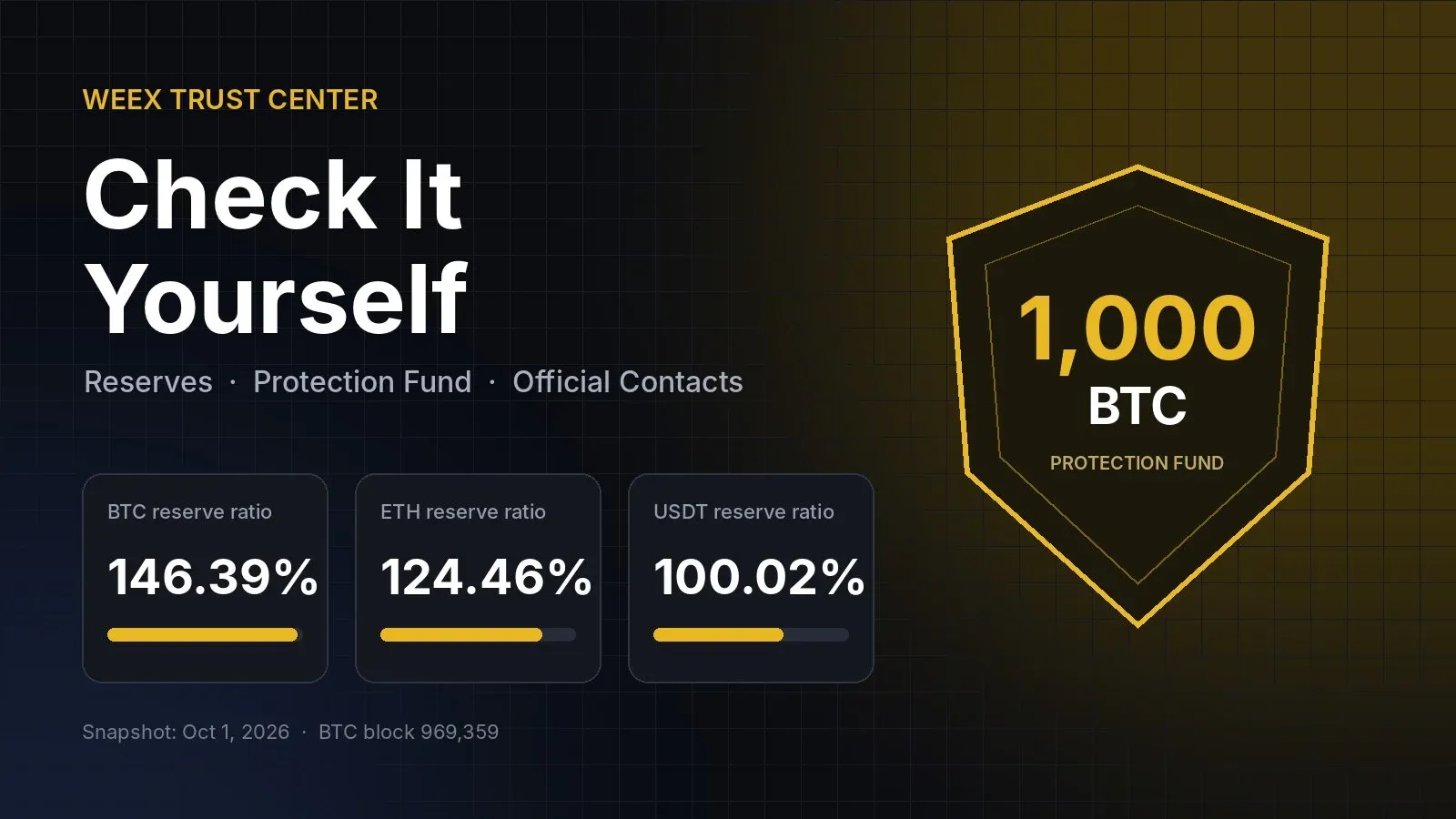
How to Use the WEEX Trust Center: Check Reserves, Protection Fund and Official Contacts
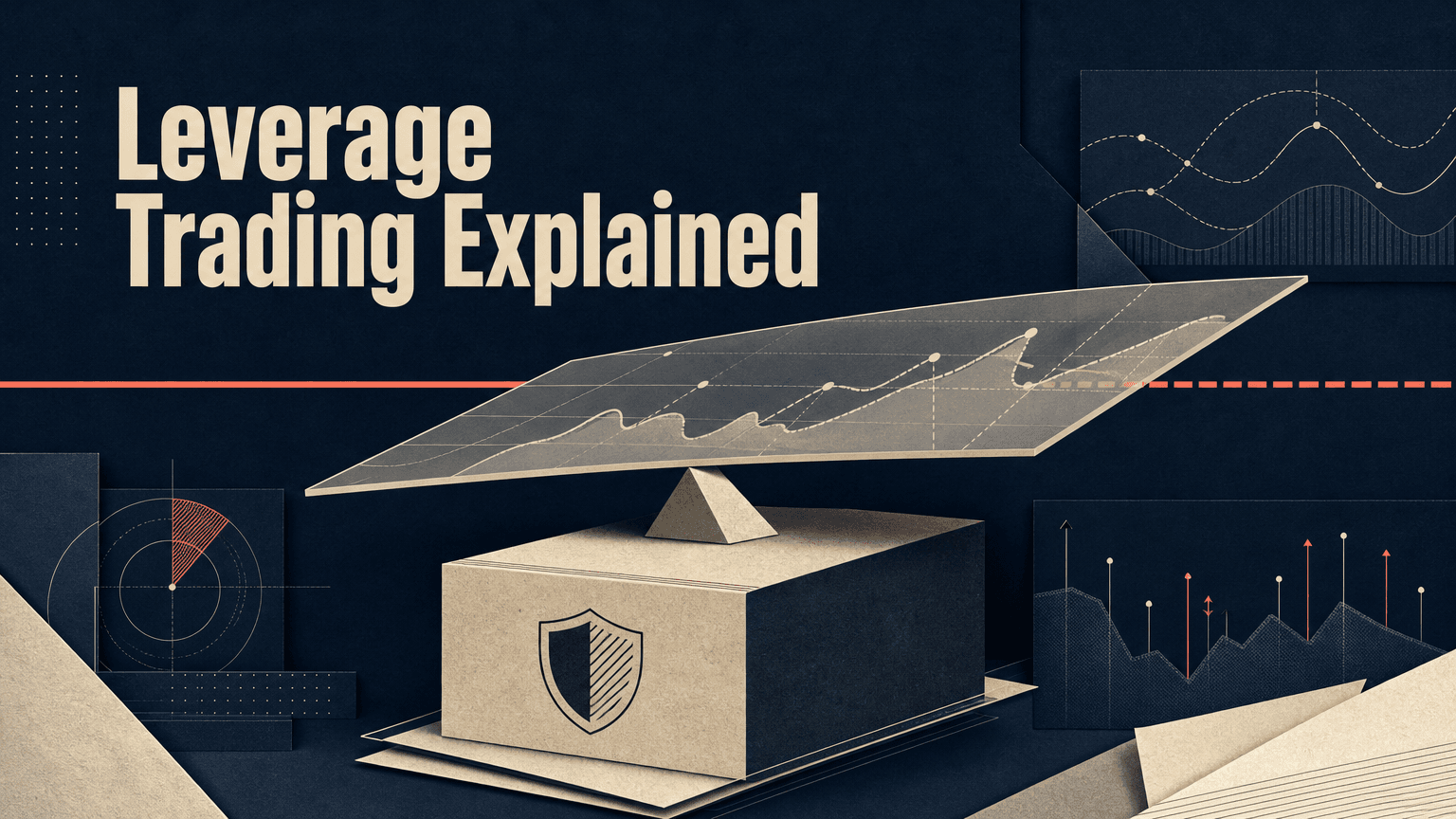
Crypto Leverage Trading Explained: How Perpetual Futures, Margin and Liquidation Work
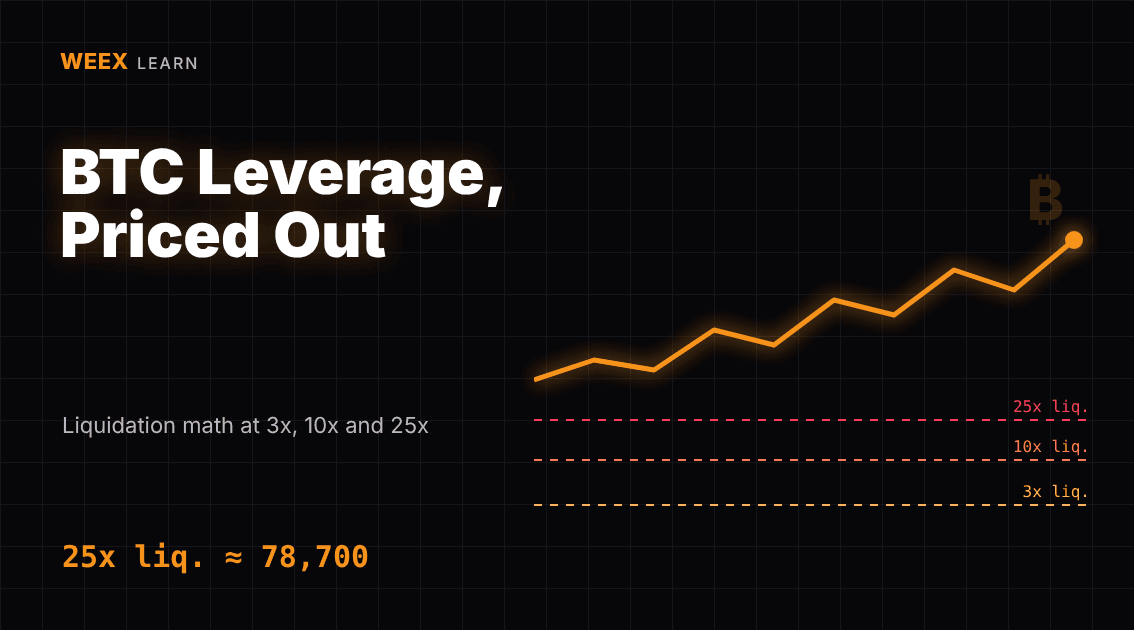
Bitcoin Margin Trading: BTC Liquidation Math at 3x, 10x and 25x
Crypto Leverage Trading Platform: 6 Checks Before You Deposit
What Is Margin Trading? A $1,000 Example at 3x and 10x Leverage
How to Day Trade Crypto for Beginners: The Math Behind One Trade
Trading Psychology for Beginners: Crypto Traps and Hard Rules
What Is a Bitcoin ETF? How Creation, Custody and Fees Work
What Is Blockchain and How Does It Work? One Transaction, Traced
WEEX Convert Fees: What Zero-Fee Conversion Really Costs You
WEEX Convert Quote: How the 8-Second Price Lock Really Works
WEEX Convert Limits: Minimum and Maximum Amounts Explained
How to Check a WEEX Convert Order: History, Rate and Status

USDC Significant EMT Status in the EU: What Changes on November 12 Under MiCA
Walrus (WAL) Jumps 30%: Sui Storage Token Rallies on AI Data
Bitcoin Price After Hot CPI: Why BTC Is Pinned Near $82,000
WEEX Futures PnL: Why Your Three PnL Numbers Rarely Match
WEEX Reduce-Only Order: What It Does and When It Gets Cancelled
WEEX Stop Loss Not Triggered? Check the Trigger, Then the Fill
WEEX Funding Fee Explained: Rate, Countdown, Records and Math
WEEX Trading Pair Suspended or Delisted? Your Orders and Assets
WEEX Order History: How Orders, Fills and Fees Fit Together





